





1. AI Blog Automator

Best for: Bloggers who want a truly hands-free, fully automated publishing pipeline
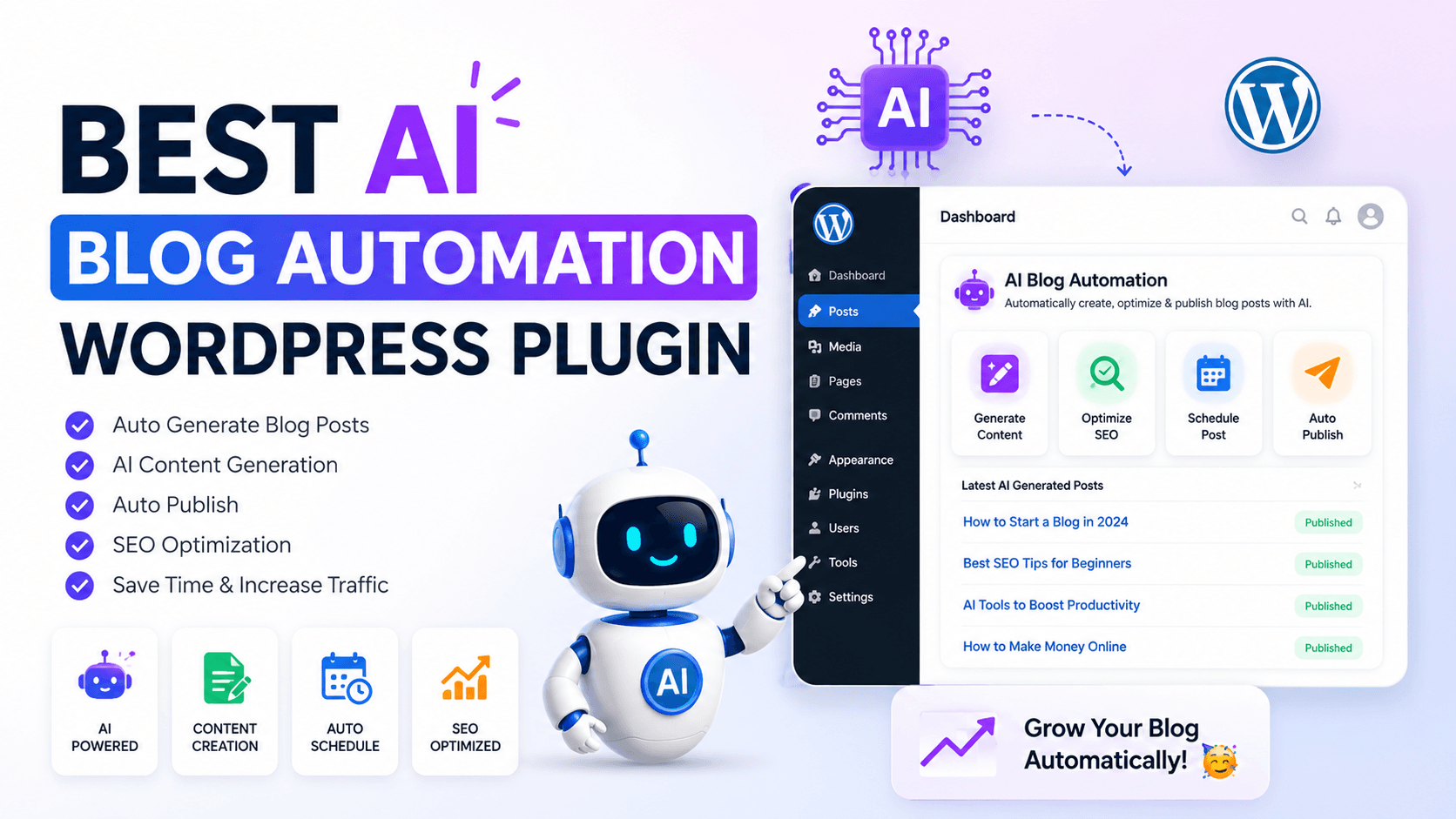
AI Blog Automator is one of the most straightforward, plug-and-play automation plugins available. It is designed with one goal in mind: generate and publish blog posts automatically on a schedule, with minimal configuration required from the user.
The plugin features automated content generation, daily scheduling through WordPress Cron, customizable content topics and keywords, built-in SEO-optimized prompt templates, smart publishing (immediately or as drafts), intelligent auto-category assignment, manual on-demand generation, error logging, and a statistics dashboard.
One of its most appealing features is the free tier: the free version offers unlimited posts with Groq AI, completely free with no credit card required. For users who need more model flexibility, the plugin also supports paid API providers.
Pricing: Free (unlimited posts with Groq AI) | Paid tiers for premium AI models
Pros of AI Blog Automator
- Truly hands-free publishing — Once set up, the plugin runs on WordPress Cron and generates and publishes posts daily without any manual trigger. It is as close to “set it and forget it” as WordPress automation gets.
- Free tier with unlimited posts — Unlike most competitors that limit the free version by word count or post count, AI Blog Automator’s free tier using Groq AI has no hard limits, making it genuinely accessible for bootstrapped bloggers.
- Smart category assignment — The plugin intelligently auto-assigns posts to the best matching category or creates new ones, keeping your blog organized automatically.
- Flexible publishing control — Users can choose to publish immediately or save as drafts for review, giving you either full automation or a human-in-the-loop checkpoint as you prefer.
- Custom prompt template editor — A fully customizable AI prompt template editor lets you match the plugin’s output to your content style and requirements, so it doesn’t sound generic.
- Error logging and dashboard — An error logging feature helps you track generation issues and troubleshoot easily, while a statistics dashboard lets you monitor total posts generated and scheduling status.
Cons of AI Blog Automator
- Requires external API dependency — The plugin requires an API key from an AI service provider to generate content, since AI models cannot run locally on a WordPress server due to massive computational requirements and specialized GPU infrastructure needs. This adds a layer of setup and ongoing API cost management.
- Limited SEO depth out of the box — While the plugin uses SEO-friendly prompt templates, it does not include native keyword research, SERP analysis, or real-time content scoring. You will still need a dedicated SEO plugin alongside it.
- No review workflow for new users — Full automation is powerful but dangerous without oversight. New users who publish automatically without reviewing drafts first risk publishing low-quality or factually incorrect content.
- Thin community and reviews — As a relatively newer plugin, it lacks the extensive user review base of more established tools, making it harder to assess long-term reliability.
- No built-in image generation — Unlike some competitors, AI Blog Automator does not include integrated AI image generation, meaning your auto-posts may lack visual content unless you supplement with another tool.
2. AI Engine (by Meow Apps)

Best for: Developers, power users, and agencies who want the most feature-complete AI toolkit for WordPress
AI Engine by Meow Apps is widely regarded as the gold standard of WordPress AI plugins. With over 100,000+ active installations and an average rating of 4.9 out of 5 on the official directory, user reviews confirm its relevance as a content generation, chatbot, and editorial optimization tool.
What makes AI Engine stand out is its flexibility — you can connect it to OpenAI (GPT-4o, GPT-5), Anthropic Claude, Google Gemini, and even Hugging Face models. It uses a bring-your-own-API-key model, which means you pay for what you use rather than expensive monthly subscriptions.
AI Engine turns your WordPress site into an intelligent MCP server, allowing AI agents like ChatGPT, Claude, and Claude Code to connect directly, browse content, edit posts, manage media, and handle complex tasks through natural conversation.
Pricing: Free version available | Pro license starts at $59/year per site (plus your direct API costs)
Pros of AI Engine
- Unmatched multi-model flexibility — AI Engine works with OpenAI, Anthropic (Claude), Google Gemini, OpenRouter, Mistral, and others. You can switch providers at any time or assign different models to different tasks. No other free plugin offers this level of model versatility.
- Exceptional free tier — AI Engine arguably packs more AI features into a single free plugin than most competitors offer across their entire paid lineup. The free version alone covers content generation, chatbots, image creation, translation, and more.
- Rock-solid reliability and performance — The codebase is clean, efficient, and regularly updated, which prevents conflicts with other WordPress plugins. The plugin handles high-volume content generation without slowing down sites or consuming excessive server resources.
- Transparent, cost-effective pricing — Even the $59 single-site license, combined with direct API costs (which you control), means saving hundreds of dollars compared to monthly subscriptions for tools like Jasper or Copy AI.
- AI Copilot directly in the WordPress editor — The AI Copilot feature gives you real-time writing suggestions right in the WordPress editor, so you are not constantly switching between tabs. It works with both Gutenberg and the classic editor.
- Advanced developer tools — Internal APIs, REST endpoints, MCP support, function calling, and extensive hooks allow developers to build AI-driven features, automate workflows, or even create SaaS applications on top of WordPress.
- Knowledge base and embeddings — AI Engine supports building knowledge bases from your content and PDFs for semantic search, with vector database integrations including Pinecone, Chroma, Qdrant, and OpenAI Vector Store.
Cons of AI Engine
- Steep initial learning curve — The plugin offers numerous parameters and options that can feel overwhelming at first. Setting up custom templates for different content types can take several days and multiple iterations before results improve dramatically.
- Not a true auto-scheduler — AI Engine is a toolkit, not a hands-free automation platform. It does not natively run a daily publishing schedule the way AI Blog Automator does — you need to trigger content generation manually or pair it with a workflow plugin.
- API costs are separate and variable — While the BYOAK model is transparent, new users who do not monitor their API usage can be surprised by costs if they run bulk generation tasks carelessly.
- Lifetime license support is limited — Lifetime license holders receive support for the first year only. After that, a new yearly license is required to continue receiving support, which effectively undermines the “lifetime” value.
- No free trial for Pro features — AI Engine does not offer a Pro trial period. You need to purchase and then request a refund within two weeks if it does not meet your needs.
3. WP Wand

Best for: Content creators who want multi-model AI access without a large budget
WP Wand positions itself as an accessible, budget-friendly AI content writer for WordPress. It is a powerful AI content generation and AI writing assistant plugin that uses advanced algorithms and supports popular models from OpenAI (ChatGPT, GPT-3.5, GPT-4, GPT-5), Anthropic (Claude), OpenRouter, and Deepseek to generate high-quality and engaging content effortlessly without breaking your bank.
WP Wand is fully integrated with Gutenberg Editor, Classic Editor, Elementor Page Builder, and WooCommerce to improve the writing experience. The plugin is notable for its support of DeepSeek — one of the most cost-efficient AI models available in 2025 — making it attractive for users who want capable AI output at a fraction of OpenAI’s API pricing.
Pricing: Free base plugin | API costs depend on your chosen provider (DeepSeek is among the cheapest options)
Pros of WP Wand
- Broadest model support among lightweight plugins — WP Wand supports OpenAI (GPT-3.5, GPT-4, GPT-5), Anthropic Claude, OpenRouter, and DeepSeek all in one plugin. This gives users the freedom to pick the most cost-effective or highest-quality model for each use case.
- Deep page builder integration — Full compatibility with Gutenberg, Classic Editor, Elementor, and WooCommerce means you can generate AI content directly inside whichever editor you prefer without switching tools.
- DeepSeek support for ultra-low API costs — DeepSeek’s API is dramatically cheaper than OpenAI’s, making WP Wand a realistic option for high-volume bloggers who need to keep costs controlled.
- No proprietary credit system — Unlike some plugins that charge you in proprietary word credits, WP Wand passes you directly through to your chosen AI provider’s API, keeping pricing transparent and competitive.
- WooCommerce product description generation — The plugin’s WooCommerce compatibility means ecommerce store owners can automate product page content as well as blog posts from a single tool.
Cons of WP Wand
- Limited SEO features — WP Wand is a content writer, not an SEO tool. It does not include keyword research, SERP analysis, content scoring, or competitor insights. A separate SEO plugin is mandatory if rankings matter to you.
- Smaller user community — Compared to AI Engine or GetGenie, WP Wand has a smaller active user base and fewer community resources, tutorials, and third-party integrations to draw on.
- No built-in scheduling or automation — The plugin requires manual content generation. It does not have a scheduling system or cron-based auto-publishing pipeline.
- Support can be inconsistent — Being a smaller plugin with a lean development team, response times for support requests and frequency of feature updates may not match larger alternatives.
- No image generation — WP Wand does not include AI image generation, so visuals for auto-generated posts must come from elsewhere.
4. GetGenie

Best for: Content marketers and SEO professionals who need writing and SEO in one place
GetGenie is the most SEO-integrated AI content plugin in this roundup. While others focus purely on content generation, GetGenie combines writing, keyword research, SERP analysis, and competitor insights into a unified WordPress workflow.
GetGenie is an all-in-one WordPress AI SEO and content assistant developed using OpenAI’s advanced language models including GPT-3.5, GPT-4, GPT-4o, and DaVinci. It enables NLP and semantic keyword research, SERP analysis, and head-to-head competitor analysis, letting users create SEO-optimized blog posts in minutes.
With over 80,000+ active installations and a rating of 4.8 out of 5, GetGenie is one of the most trusted AI content plugins in the WordPress ecosystem.
Pricing: Free plan available (2,500 AI word credits/month) | Pro starts at $19/month | Agency plans available
Pros of GetGenie
- All-in-one content and SEO workflow — GetGenie successfully consolidates the most common tasks in the content creation workflow — writing, research, and SEO — into a single, user-friendly interface, eliminating the friction that plagues so many content professionals.
- Real-time live SEO scoring — GetGenie provides a live SEO score as you write, suggesting word counts, heading structures, image usage, alt text, internal links, and NLP-based language recommendations to help make content rank higher. No other plugin in this list does this as well.
- Powerful NLP keyword research — GetGenie’s AI-powered keyword research feature finds related, NLP, and semantic keywords, along with search volume, competition level, CPC, and Google Trends data — all without leaving your WordPress editor.
- 37+ content writing templates — The plugin comes with 37+ AI writing templates covering blog posts, product descriptions, social media copies, ad copies, meta descriptions, CTAs, outlines, taglines, and more.
- SERP competitor analysis — The SERP Visualizer lets you see how your content stacks up against competitors by analyzing their word counts, headings, images, and link structures, helping you craft content that’s built to outrank.
- WooCommerce wizard — GetGenie’s WooCommerce Wizard lets you enter a product name, keywords, and a few details to automatically generate an optimized product title, brief summary, and in-depth description, saving ecommerce store owners significant time.
- GenieChat AI assistant — GetGenie includes a ChatGPT-like AI Chat Assistant called GenieChat for ideation, research, and getting instant responses, with over 20 chat personalities to suit different creative and professional tasks.
Cons of GetGenie
- Free tier is very restricted — Word count restrictions in the free version significantly limit your content creation options. The 2,500 monthly word credit is barely enough for a single full-length article, pushing users toward paid plans quickly.
- Paid plans are recurring and required for real use — At $19–$49/month, GetGenie is one of the pricier options in this list. For solopreneurs or hobby bloggers, this cost may be harder to justify compared to BYOAK alternatives like AI Engine.
- Can feel overwhelming for beginners — The sheer number of features, templates, and SEO modes can intimidate new users who just want to write and publish a post. The onboarding curve is steeper than simpler tools.
- AI content still needs human editing — The AI-generated content is a fantastic starting point but absolutely requires a human touch for fact-checking, tone, and unique insights. GetGenie is not a “publish and forget” solution.
- SEO features may not satisfy power users — GetGenie’s SEO capabilities are robust for planning and drafting but may not satisfy power users who need the granular depth of dedicated tools like SurferSEO or Ahrefs.
5. Outblog AI

Best for: Site owners who want a fully autonomous, always-on AI blogging engine
Outblog AI is one of the most aggressively automated plugins in this lineup. Rather than waiting for you to provide topics, it continuously researches trending keywords, generates SEO-optimized articles, and syncs them to your WordPress site on a rolling basis.
Think of Outblog AI as having a virtual content team running 24/7 in the background — identifying keyword opportunities, writing articles around them, and publishing them on a schedule. This approach is particularly well suited to niche site builders, news-adjacent blogs, and anyone who wants to scale content volume rapidly without manual input.
Pricing: Subscription-based (trial available) | Pricing varies by plan
Pros of Outblog AI
- Fully autonomous keyword research and writing — Unlike most plugins that require you to supply the topic, Outblog AI proactively researches trending and high-opportunity keywords in your niche and generates articles around them automatically. It operates as a complete content engine.
- Continuous publishing pipeline — The plugin maintains an ongoing stream of freshly generated, SEO-targeted articles that sync to WordPress regularly, helping niche sites build topical authority faster than manual publishing ever could.
- Designed with SEO at its core — Every article Outblog AI generates is built with search intent and keyword targeting in mind from the start, rather than bolting SEO on after the fact the way simpler generators do.
- Minimal ongoing effort required — Once the niche and goals are configured, the plugin runs autonomously. This is the closest thing to a “hands-free blog” available in the WordPress ecosystem today.
- Strong fit for niche site scaling — For affiliate marketers and niche site builders who need to publish dozens of keyword-targeted articles per month, Outblog AI’s autonomous research-and-publish loop is a significant competitive advantage.
Cons of Outblog AI
- High risk of thin or inaccurate content at scale — Skipping the rewriting and review step is where most people get into trouble with autoblogging. When Outblog AI operates fully autonomously, there is a real risk of publishing factually outdated or AI-hallucinated information without human oversight.
- Less editorial control — The plugin’s strength (full automation) is also its weakness. Users who want to maintain a distinctive brand voice or editorial standards will find the level of customization limiting compared to tools like AI Engine.
- Subscription pricing with less flexibility — Outblog AI’s pricing is subscription-based and less transparent than BYOAK models. This can make costs harder to predict and control.
- Smaller community and support — As a newer, more specialized plugin, Outblog AI has fewer user reviews, fewer support resources, and less publicly available documentation than more established alternatives.
- Google quality risk — Mass automated publishing without consistent human review may eventually attract Google’s “Helpful Content” scrutiny. Sites relying entirely on AI-generated content without editorial oversight are the exact target of recent algorithm updates.
6. AI Autoblogger

Best for: Advanced users and agencies who want maximum prompt control and multi-model power
AI Autoblogger is the most powerful and technically sophisticated plugin in this roundup. It is built for users who are not afraid of prompt engineering and want granular, model-level control over every piece of content that gets published.
AI Autoblogger is integrated with the most powerful AI models available today, including OpenAI GPT, Anthropic Claude, Google Gemini, xAI Grok, Meta Llama, and Mistral Large. These models are accessible either through their official APIs or through the unified OpenRouter service.
AI Autoblogger offers detailed prompt engineering for highly customized content, including automatic image and video embedding.
Unlike other AI autoblogging plugins that lock you into rigid presets, AI Autoblogger gives you full control over how your content is generated and humanized. With advanced prompt engineering, you can provide detailed instructions to shape every aspect of the output — from formatting and writing style to the specific author voice you want the AI to emulate.
Pricing: External service (subscription/usage-based) | API costs additional
Pros of AI Autoblogger
- Unrivaled multi-model access — AI Autoblogger integrates with OpenAI GPT, Anthropic Claude, Google Gemini, xAI Grok, Meta Llama, and Mistral Large — the widest model support of any plugin in this list. This gives agencies and advanced users the ability to pick the best model for each content type or cost tier.
- Unlimited content length with pipeline algorithm — With AI Autoblogger’s prompt pipeline algorithm, you can create massive, book-length articles that bypass current AI length limitations and produce comprehensive, contextually consistent articles of any size. This is a major differentiator for in-depth content strategies.
- Advanced AI image generation — The plugin integrates with Midjourney, DALL-E 3, Flux, Freepik Classic, and Stable Diffusion for automatic image generation, with the AI autonomously generating prompts for illustrations based on each text section’s context.
- Full prompt engineering control — You specify formatting, style, tone, bullet points, tables, external links, and even the author voice in plain human language — as if briefing a live copywriter — rather than clicking through rigid menus.
- AI detection evasion — The ability to specify a custom writing style or celebrity author voice produces humanized content that is nearly impossible for AI content detectors to flag, which matters for sites where AI-detection risk is a concern.
- Automatic video and media embedding — Beyond text and images, AI Autoblogger handles automatic video embedding, making it one of the most multimedia-complete autoblogging solutions available.
Cons of AI Autoblogger
- High technical barrier for beginners — Prompt engineering is a skill. New users who are not comfortable writing detailed AI instructions will struggle to get high-quality output. The plugin’s power is proportional to the user’s expertise.
- External service dependency with variable costs — The plugin relies on external AI APIs, and with multiple models and image generation services available, costs can escalate quickly without careful monitoring and budget controls.
- Complexity can lead to inconsistent results — The more freedom a tool gives you, the more ways there are to misconfigure it. Users who rush the setup phase may end up with lower quality content than simpler, opinionated tools produce by default.
- Smaller support community — AI Autoblogger serves a niche of advanced users, which means its community forums, tutorials, and documentation are less comprehensive than those of mass-market tools like GetGenie or AI Engine.
- No built-in SEO scoring — Despite its impressive content generation capabilities, AI Autoblogger does not include native keyword research, SERP analysis, or live SEO scoring. A dedicated SEO plugin is still needed.